kallie is now available in beta — discover the referral code manager
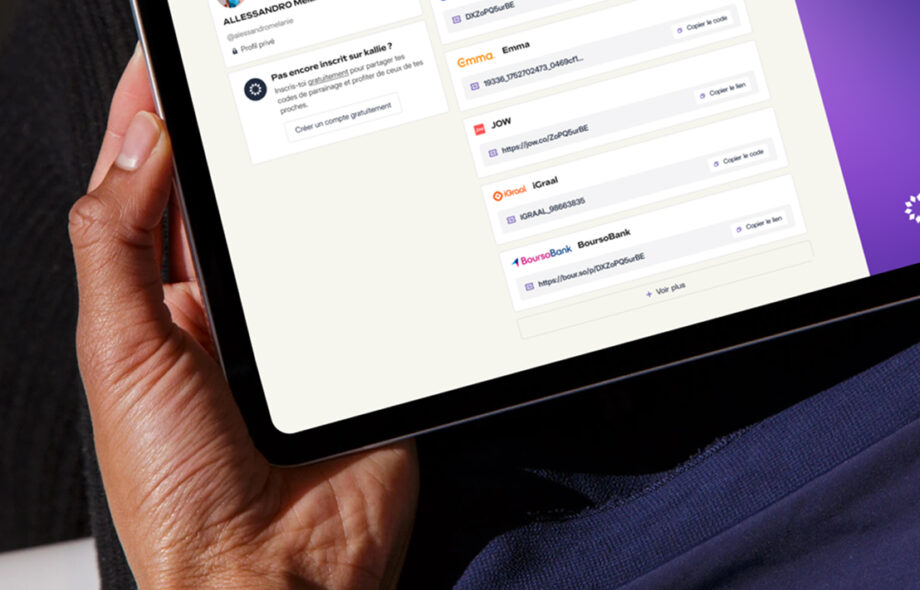
kallie is now available in beta
It’s official. After months of development, fixes and testing, kallie opens its doors in beta. This is not a perfect version, and that’s by design. It’s an honest, functional version, ready to be put in your hands.
Getting started
If you entered your email on the waiting list, an email has been sent to you with a registration link. For everyone else, the beta is open: you can create an account right now at getkallie.com.
What you can do today
kallie isn’t complete yet, but the essentials are there:
- Add your referral codes and organize them by service
- Share them with your contacts
- Browse referral codes from your network
- Create and customize your public profile
- Use the Chrome or Firefox extension to manage your codes directly from your browser
The web application can also be installed as a PWA, the equivalent of a mobile app, without going through the App Store or Play Store.
What does beta actually mean?
It means there will be bugs. Some missing features. Things that don’t behave exactly as expected. And that’s precisely why this phase exists — to identify all of that before the public launch.
It also means there will be very few referral codes available at first. That’s inevitable: kallie works through its community, and the community is still being built. To let you test the key features without waiting, a test contact is available as soon as you sign up.
Why the community is at the heart of everything
kallie is a sharing tool. Without a network, it loses much of its value. The goal of this beta is therefore not just to test the product — it’s to start building the community that will give it its full meaning. Every piece of feedback, every code added, every contact invited contributes to making kallie what it’s meant to become.
After this phase, the goal will be simple: spread the word about kallie so the platform can run at full capacity.
Your turn
kallie v0 is here. Imperfect, ambitious, and sincerely happy to exist. Create your account, explore, test, and tell us what’s not working.
